Short answer. You can’t focus on work because your environment has been engineered to fragment your attention, not because you lack discipline. The fix is friction (make the wrong things harder to reach), then visibility (see where your hours actually go), then — last and least — willpower. In that order. Most productivity advice attacks them backwards.
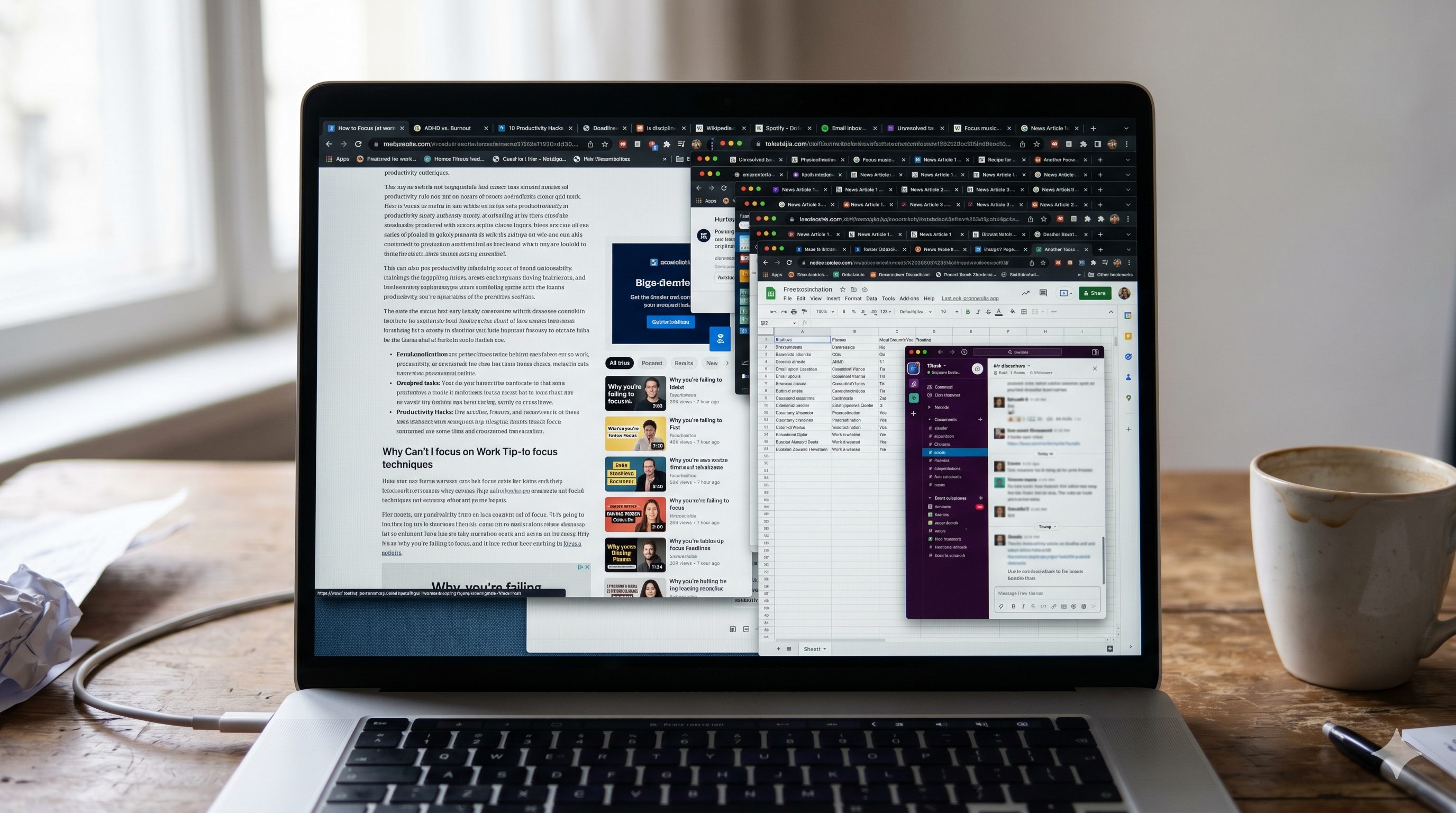
It’s 11:47 a.m. You sat down at your desk at 9. You meant to draft the proposal. Instead you have 24 tabs open, three half-written Slack replies, a YouTube video paused at 3 minutes 12 seconds, and a vague sense of having worked hard while accomplishing nothing.
You google “why can’t I focus on work” and click through five articles that all say the same things. Pomodoro. Cold showers. Drink water. Time-block your calendar. Buy the noise-cancelling headphones. You’ve tried most of them. Some helped for a week. None of them stuck.
This is a longer, calmer answer. It’s the one I wish I’d read three years ago instead of buying my fourth productivity planner.
Why you can’t focus on work isn’t a discipline problem
Here is the thing nobody selling you a productivity course will say out loud: the modern computer is designed to fragment your attention, and you are losing a fight you were never set up to win.
Slack pings every ~6 minutes. Email pings every ~3. Your phone vibrates 80–100 times a day. Every browser tab is a pocket of someone else’s priorities, dressed up to look like yours. The default settings of every tool you use assume you want to be interrupted right now, and most of those settings were chosen by a product manager whose bonus depends on you opening the app more often.
When you sit down at that desk and try to focus on work, you’re not just fighting your own tired brain — you’re fighting a small army of very well-paid engineers whose job is to make sure you don’t.
It is not a moral failing that you can’t focus at work. The question “why can’t I focus on work” is the right question, but the honest answer isn’t “because you lack discipline”. It’s “because your environment is engineered against your ability to focus on work, and you’ve been trying to brute-force a problem that needs to be designed-around”.
If you take nothing else from this post: the reason you can’t focus on work is rarely about you, and almost always about your setup. Change the setup, and the focus follows.
The three real reasons you can’t focus on work (in order of leverage)
After tracking my own computer use for about six months — more on that in a minute — I’ve come to think of the “why can’t I focus on work” problem as having three inputs, in this order of importance:
- Friction. How easy is it to start doing the wrong thing?
- Visibility. Do you actually know where your hours go?
- Willpower. How much do you have left after life happened today?
Most productivity advice targets #3, the smallest and least reliable of the three. The leverage is at the top of the list.
1. Friction is the only lever that scales
If TikTok is one tap away, you will open TikTok. If your work document is six clicks deep in a folder named “2024 final final v3”, you will not open it. This is not a character flaw. This is the geometry of attention, and it is the single biggest reason most people can’t focus on work for more than ten minutes at a time.
The single most useful thing I did for my focus was not “developing better habits”. It was a 30-minute Saturday afternoon spent making the wrong things harder to reach:
- Logged out of YouTube, Reddit, Twitter, Instagram in the browser I work in. Not blocked — just logged out. The login wall is enough friction to break the autopilot reach.
- Moved Slack and email off the dock. They live in a folder now. Two extra clicks. They get checked four times a day instead of forty.
- Turned off all notification sounds on my Mac. System Settings → Notifications → for each app, “Allow Notifications” set to off except for calendar and incoming calls.
- Put my phone in a drawer in the next room. Not silent. In the next room. Twenty feet of physical distance is a feature, not a bug.
None of this requires willpower. The whole point is that it doesn’t. You are doing the willpower work once, on a Saturday, when your prefrontal cortex is fresh, so you don’t have to do it forty times on a Tuesday afternoon when you have nothing left.
Cal Newport calls this “making deep work the default” in his book Deep Work — a recommended read if you want the academic version of the argument. The TL;DR is the same: don’t fight the environment moment-to-moment, redesign it once.
If the pattern is specifically late-night scroll sessions you can’t put down, see how to stop doom scrolling for a 7-day reset built on the same idea.
2. Visibility is the underrated middle lever
Here is the thing about losing four hours to YouTube: at the time, it doesn’t feel like four hours. It feels like fifteen minutes. The brain is awful at perceiving time when attention is hijacked. (If you’ve ever wondered whether you might have ADHD — and you keep losing time without noticing — you might want to read about time blindness.)
The fix isn’t more discipline. The fix is a feedback loop.
You can’t change a number you can’t see. You can’t change a number you see once a week in a guilt-inducing report email. The number needs to be ambient. You need to be able to glance at your menu bar and see — calmly, without judgment — the last hour was 18 minutes on the proposal and 42 minutes on Reddit.
Once you can see that number, two things happen:
- The hijack moments get caught earlier. Not the next day, not the next hour — the next minute. You see the bar climbing in the wrong direction and you reach for a tab close instead of an article.
- You stop guessing about which patterns matter. You discover, for example, that your Tuesday afternoons are 3× more distracted than your Tuesday mornings. So you stop scheduling deep work for Tuesday afternoons. (Imagine that.)
This is the part I’d never seen anyone solve cleanly. I tried RescueTime years ago and bounced off it — too heavy, too cloud-y, too much of a guilt-shaped experience. I tried Mac’s built-in Screen Time and bounced off that too — too coarse, no concept of productive vs. unproductive, no real-time signal. So I wrote my own.
It’s called Are You Productive. It runs in the background, uses under 1% of your CPU, occupies about 12 megabytes of disk, and never sends a single byte off your machine. It tells you what apps and websites you used, how long you used them, and whether each block was productive, neutral, or unproductive based on roles you pick once during onboarding (a designer’s “productive” looks different from an engineer’s, which looks different from a writer’s). That’s the entire feature set. It does not gamify you. It does not nag you. It does not sell your data — there is nowhere for the data to go.
I wrote it because I needed it. I’m sharing it because if you’ve read this far, you might too.
3. Willpower is the small third lever
Once you’ve designed the environment and built the feedback loop, then — and only then — does willpower start to matter. And by that point you don’t need much of it.
The moves people associate with discipline (Pomodoro, time-blocking, “eat the frog”, cold showers, the 5 a.m. club) are all willpower-amplifiers. They make the small willpower budget you have go further. They are not useless! But they are the third move, not the first. Trying them before you’ve fixed friction and visibility is like training for a marathon while wearing flip-flops.
If you’ve been bouncing from one productivity hack to another and nothing sticks, this is probably why. You’ve been pulling on the weakest lever.
Quick facts
- The average knowledge-worker computer surfaces a notification every few minutes during the workday — most people are interrupted before they ever reach a flow state.
- Research summarized by the American Psychological Association suggests task-switching can cost up to 40% of someone’s productive time (APA on multitasking).
- Recovery from a single interruption typically takes 15–25 minutes of refocus time before deep work resumes — a cost almost no one feels as a cost.
- Are You Productive uses under 1% CPU and about 20 MB on disk, verifiable in Activity Monitor.
How to actually focus on work this week
Resist the urge to overhaul everything. Pick one thing from each of the three buckets, in order:
Friction (do this Saturday, in 30 minutes):
- Log out of every social media site in your work browser.
- Move two notification-heavy apps off your dock / taskbar into a folder.
- Turn off all notification sounds and badges on your computer.
- Move your phone to a different room during deep work.
Visibility (do this Sunday, takes 5 minutes):
- Install something — anything — that shows you, in real time, where your computer time is going. (I’d recommend Are You Productive because it’s local and free and I built it, but RescueTime, ActivityWatch, or Mac’s built-in Screen Time are all better than nothing.)
- Glance at it twice a day for a week. Don’t try to change anything. Just look. The numbers will surprise you.
Willpower (only after the above is in place):
- Pick one working session per day — 90 minutes, ideally in the morning — and protect it the way you’d protect a meeting with your boss. Headphones on, phone in the drawer, Slack closed. Don’t make it longer. 90 minutes a day, every day, will outperform any “8 hour deep work marathon” you’ve ever tried.
That’s the whole plan. It is much smaller than the plan most productivity articles will give you, because most productivity articles are graded on how much they make you feel like you’re doing something.
The honest bottom line on why you can’t focus on work
You can’t focus at work because the world has been quietly engineered to make sure you can’t. That isn’t a metaphor. It’s a sentence about the actual, literal product roadmaps of every consumer software company you interact with daily.
So the next time you ask yourself why can’t I focus on work — remember it’s not a question about you. It’s a question about your setup.
You don’t need more discipline. You need:
- An environment that doesn’t fight you (friction).
- A clear, calm view of where your time is going (visibility).
- A small, well-defended slice of the day for the work that matters (willpower, the leftover).
If you’d like a tool that handles the visibility piece without asking you to think about it, Are You Productive is a free, private, lightweight macOS app that does exactly that and nothing else. If not, that’s fine too. The most important part of this post is the Saturday afternoon and the 30 minutes of friction work.
Now close this tab. Go do that.
This post was written with the help of AI.