
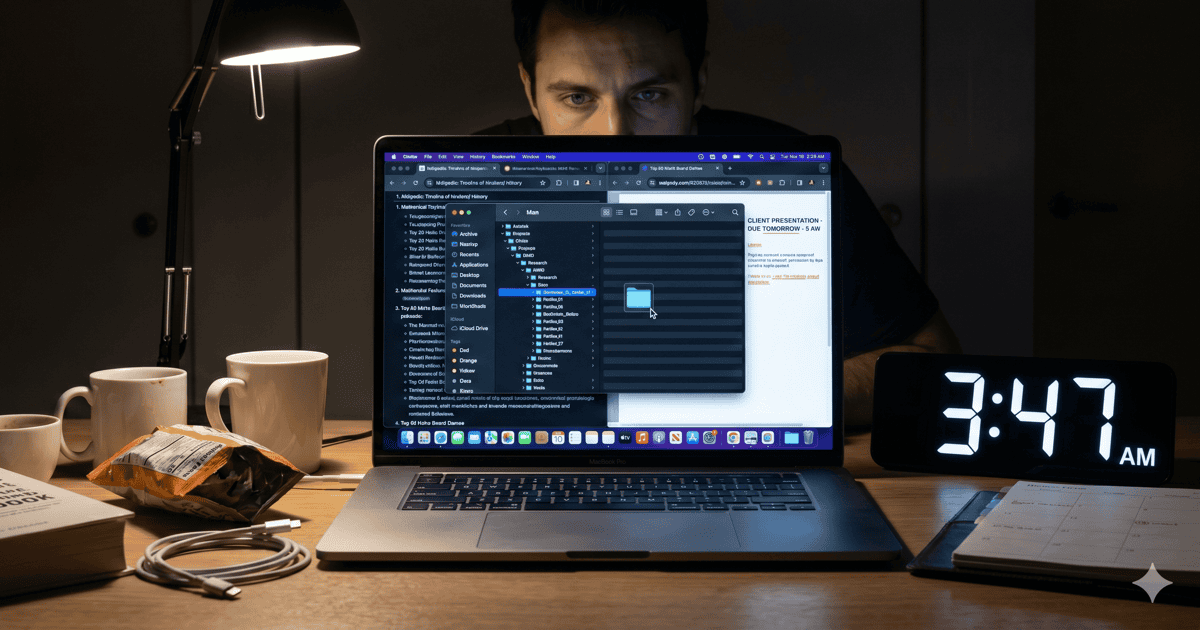
Short answer. An ADHD time management app should make time visible without making demands. The honest job is to surface a calm, real-time readout of where your hours actually go, then get out of your way. Streaks, badges, and weekly reports don’t fix ADHD time blindness — they just add another loop competing for the attention you’re trying to protect.
You downloaded a habit tracker. Then a Pomodoro app. Then a planner that gamifies your day with XP. Then a strict time-blocker that color-codes your calendar. For two weeks, each one felt like the answer. By week three, you’d missed a streak, the app had become its own job, and the four hours you spent in Discord on Sunday still went untracked because you forgot to start the timer.
If you have ADHD, this loop is the rule, not the exception. The problem isn’t that you keep picking bad apps. The problem is that most ADHD time management app design is borrowed from neurotypical productivity culture, where willpower works and time feels linear. Neither of those is true for an ADHD brain on a normal Tuesday.
What an ADHD time management app actually needs to do
An ADHD time management app needs to fix one thing first: the missing real-time signal of where your minutes are going. Everything else — planning, tagging, focus blocks — only works once that visibility layer exists.
ADHD attention has a well-documented weak baseline for elapsed time. Clinical researchers like Russell Barkley have argued that time blindness is closer to the core of adult ADHD than hyperactivity. Modern software then makes the problem worse on purpose: autoplay strips the pause between videos, infinite scroll deletes the bottom of the page, and notification badges teach your eyes to dart away every few minutes. The ADHD brain in 2026 is not lazy. It is operating without a working clock.
So the first job of any honest ADHD time management app is not “help me plan”. It’s “show me, ambiently and right now, that the Reddit tab I opened two minutes ago has actually been open for thirty-one.” That single number, calmly visible, does most of the work.
Why most ADHD time management apps don’t fit ADHD brains
Most ADHD time management apps fail because they require the executive function they’re supposed to help you with. They ask you to open the app, log a task, tag it, hit start, and remember to hit stop. That’s the entire problem dressed up in a UI.
A few patterns that quietly punish ADHD brains:
- Streak-based gamification. One missed day triggers a shame spiral. The streak becomes a punishment for being human on a hard week, and ADHD self-talk does not need help.
- Daily or weekly summary reports. A PDF on Sunday night cannot help a brain that lost two hours to YouTube on Tuesday morning. By the time the report arrives, the loop has run thirty times.
- Manual logging. Asking an ADHD brain to remember to start and stop a timer for every task is asking the broken thing to repair itself.
- Cloud-by-default storage. Your detailed activity log is one of the most personal data trails you generate. Most “free” ADHD time management apps monetize it. Read the privacy policy.
None of this means those apps are evil. They’re built for a different brain. Knowing the mismatch is what lets you stop blaming yourself for not sticking with them.
The features an ADHD-friendly time management app should have
A short list, ordered by how much it actually helps:
- A real-time, glanceable readout. Menu-bar level. You should see the current session’s elapsed time on the current app without opening anything. The number is the intervention.
- Per-app and per-site granularity. “3 hours of Chrome” tells you nothing. “47 minutes of YouTube, 22 minutes of Reddit, 8 minutes of the doc” tells you everything.
- Productive / neutral / unproductive tagging you set once. Not nightly journaling. Pick your role during onboarding, let the app classify, move on.
- Local-first, calm, and lightweight. Activity logs stay on your machine. No streaks, no red badges, no notifications you didn’t ask for. Low enough CPU and RAM to leave on all day without joining the problem.
The hard-to-list property: the app should feel boring. Something you glance at and forget. The less it asks of you, the more it gives back.
A quick comparison of what’s out there
A rough map of categories ADHD adults actually try, what they sell, and what tends to happen:
| App type | Examples | What it claims | What ADHD brains often experience |
|---|---|---|---|
| Gamified habit / planner | Habitica, Finch, Routinery | Makes tasks fun via XP, pets, streaks | Honeymoon for 2–3 weeks; streak-loss triggers shame; another loop to manage |
| Cloud time tracker | RescueTime, Rize | Reports of where your time went | Reports arrive too late; activity log lives off your machine |
| Pomodoro timer | Forest, Tomato Timer | Time-box focus into 25 min blocks | Often too long on low-focus days; rigid; doesn’t address time blindness |
| Manual time logger | Toggl, Clockify | Track billable time per task | Requires you to remember to start/stop — the exact thing ADHD struggles with |
| Calm activity readout | Are You Productive, ActivityWatch | Live elapsed-time per app, ambient | Fixes the missing time-cue without nagging |
Quick facts
- The CDC estimates about 6% of U.S. adults are diagnosed with ADHD (CDC), and time blindness is one of the most consistently self-reported features, even though it isn’t part of the formal diagnostic criteria.
- Research summarized by the American Psychological Association suggests task-switching can cost up to 40% of someone’s productive time (APA on multitasking) — a tax ADHD brains pay disproportionately because every notification is a switch.
- A meta-analysis of aerobic exercise interventions for ADHD found measurable, medication-independent improvements in executive function and attention (NIH/PMC) — useful context for any time management plan that ignores the body.
- Are You Productive runs at under 1% CPU and ~20 MB on disk, small enough to leave on all day as a passive readout without joining the problem.
How to actually use one
The first week is where most people quit, because they try to fix everything at once. Don’t. For three days, just look — glance at the readout a few times an hour and notice which apps make the felt time and the real time disagree. Those are your hotspots. From day four, pick the worst one and close it when you see the number climbing. One app, once a day. The other rabbit holes you let slide this week. Awareness alone tends to fix the easy 60% of any behavior.
If the hotspot you keep landing on is a “productive” task that quietly eats your real deadline, the longer version of that pattern lives in ADHD hyperfocus on the wrong things. If meds aren’t part of your plan right now, how to focus with ADHD without medication is the environment-first playbook this post sits on top of.
The ADHD time management app I built because I needed one
Full disclosure: I made Are You Productive, a free, local, lightweight macOS ADHD time management app. I built it after trying RescueTime, Rize, Toggl, several gamified planners, and the built-in Mac Screen Time, and none of them did the simple thing I needed in the simple way I needed it.
What Are You Productive does:
- Sits in your menu bar.
- Tracks the foreground app and active website automatically — no timers to start, no tasks to tag.
- Classifies each block as productive, neutral, or unproductive based on a role you pick once during onboarding.
- Shows the running total for the current session and the day, in real time.
What Are You Productive does not do:
- Send a single byte off your machine. No account, no cloud.
- Gamify, streak, badge, or nag.
- Charge you. It’s free.
- Slow your Mac. Under 1% CPU; about 20 MB on disk.
If you want a deeper dive into the visibility-first approach behind it, the time blindness ADHD app post is the long version. If your distraction stack is mostly websites rather than apps, the best free app to block distracting websites on Mac covers that side of the toolkit.
The bottom line
An ADHD time management app is not a personality upgrade and it is not a substitute for clinical care. It is a small piece of infrastructure that puts the missing time-cue back into your day. With the cue restored, most of the planning advice you’ve already heard starts to work — not because you finally found the right system, but because you can finally see what the system is supposed to act on.
Pick the quietest one you can find today. Glance at it twice an hour for a week. The rest of the plan will write itself.
This post was written with the help of AI.